Research-based buying guide. Retailer search links in this story are ordinary links; affiliate links, where present, are identified separately. How our links work.
The television still looks good, but its menus feel slow and the streaming app you want no longer opens reliably. An external streaming device can extend a screen’s useful life. Choose around the services and controls your household actually uses rather than assuming the most powerful box is necessary.
Check services in your region
App availability varies by device, country, and subscription. Confirm your essential services directly with their official support pages. If you cast from a phone or use a particular photo ecosystem, verify that workflow too. A familiar interface can be worth more than a feature you will rarely open.
Match the screen and sound setup
Check the TV’s resolution, available HDMI inputs, and supported video formats. A device advertising a format does not guarantee the screen or audio equipment supports it. Use the manufacturer’s recommended power supply rather than assuming the TV’s USB port provides enough stable power for reliable operation.
Think about the remote
Readable buttons, accessible volume control, and a practical way to find a lost remote can make daily use easier. Voice control is optional; check microphone controls and account requirements. In a shared household, test whether everyone can launch a program without opening a phone app or switching several inputs manually.
Count the ongoing charges
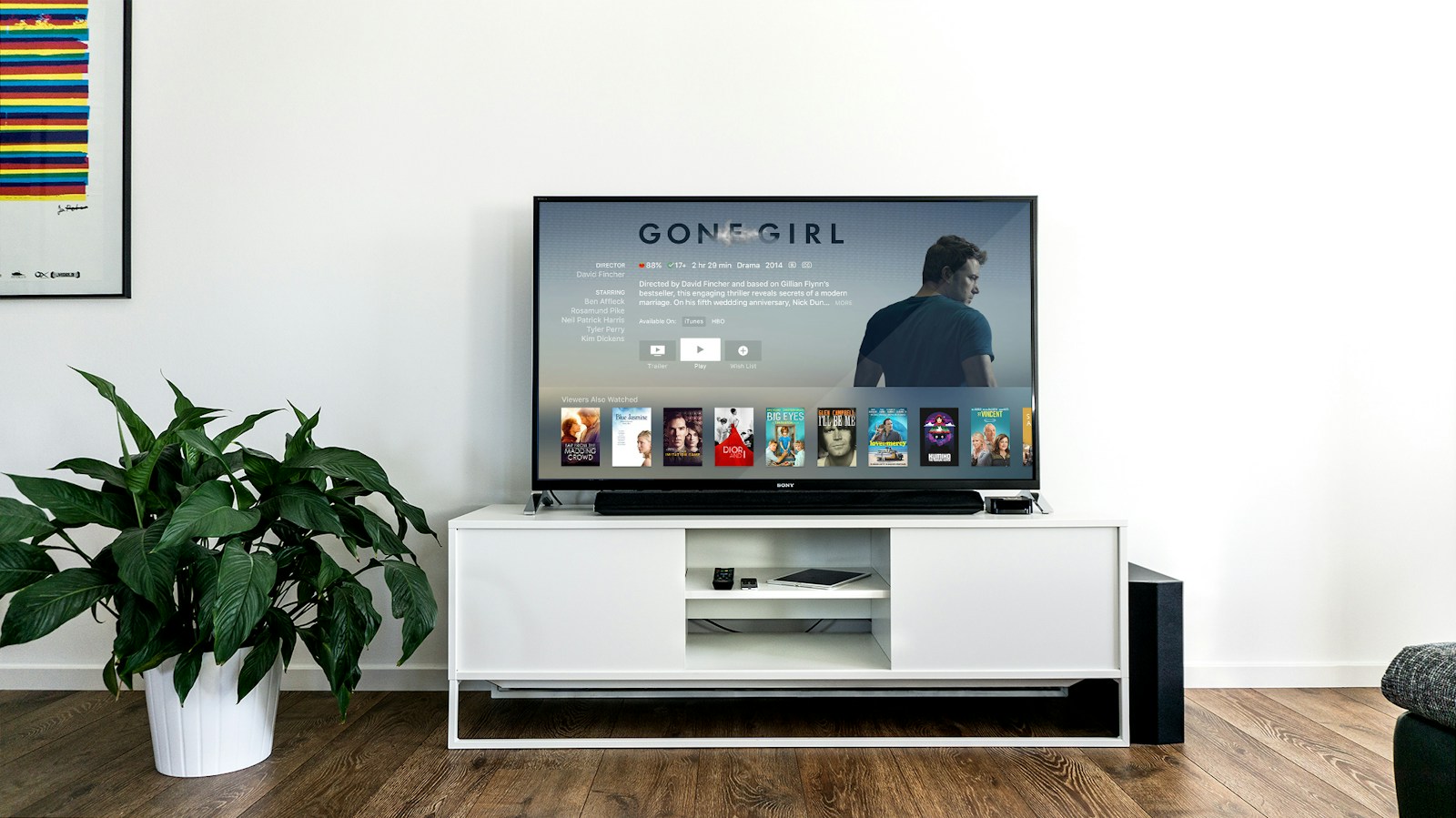
The streaming device does not include every service shown on its home screen. Compare subscriptions separately and check whether recommendations include advertising. Set purchase controls if children or guests use the TV. During the return window, watch your usual programs and test sleep, wake, audio synchronization, and Wi-Fi at the television’s actual location.
Background & useful references
Our guides explain buying considerations; exact device features vary. Use the manufacturer’s documentation for the model you are considering.
Found something that needs a correction? Tell us about it.